
More than £50 million was lost last year to scams where victims are tricked into handing over control of their computer or smartphone to criminals.
New data from Action Fraud, the national reporting centre for fraud and cybercrime, reveals that 20,144 people fell victim to scams where they were persuaded to grant criminals remote access to their device.
Victims reported losing a total of £57,790,384 – an average loss of £2,868 per victim.
What are remote access scams?
Remote Access scams will often begin with a browser pop-up saying that your computer is infected with a virus, or maybe a call from someone claiming to be from your bank saying that they need to connect to your computer in order to cancel a fraudulent transaction on your account. Regardless of the narrative the fraudster’s use, their goal is to steal your money or access your financial information by tricking you into allowing them to remotely connect to your computer.
Detective Chief Inspector Craig Mullish, from the City of London Police, said:
"While remote access tools are safe when used legitimately, we want the public to be aware that they can be misused by criminals to perpetrate fraud. We often see criminals posing as legitimate businesses in order to trick people into handing over control of their computer or smartphone.
“You should only install software or grant remote access to your computer if you’re asked by someone you know and trust, such as a friend or family member, and never as a result of an unsolicited call, browser pop-up or text message.”
How to protect yourself
- Only install software or grant remote access to your computer if you’re asked by someone you know and trust, such as a friend or family member, and never as a result of an unsolicited call, browser pop up, or text message.
- Remember, a bank or service provider will never contact you out of the blue requesting remote access to your device.
- If you believe your laptop, PC, tablet or phone has been infected with a virus or some other type of malware, follow the NCSC’s guidance on recovering an infected device.
- Protect your money by contacting your bank immediately on a different device from the one the scammer contacted you on.
- Report it to Action Fraud on 0300 123 2040 or via actionfraud.police.uk. If you are in Scotland, please report to Police Scotland directly by calling 101.
 Future Leighton Hospital construction partner raises over £6,600 for Mid Cheshire Hospitals Charity
 Congleton Town Council Provides Free Bus Travel to Power the Green Fayre
 Man jailed for assaulting a man in Knutsford
 Man jailed for rape and attempted rape in Congleton
 Two-way traffic to return to Winsford Station Bridge with weight restriction in place
 TRACTOR RUN - ADLINGTON TO TWEMLOW - TO OPPOSE THE PEAK CLUSTER PIPELINE
 Crewe man sentenced for online child sexual offences
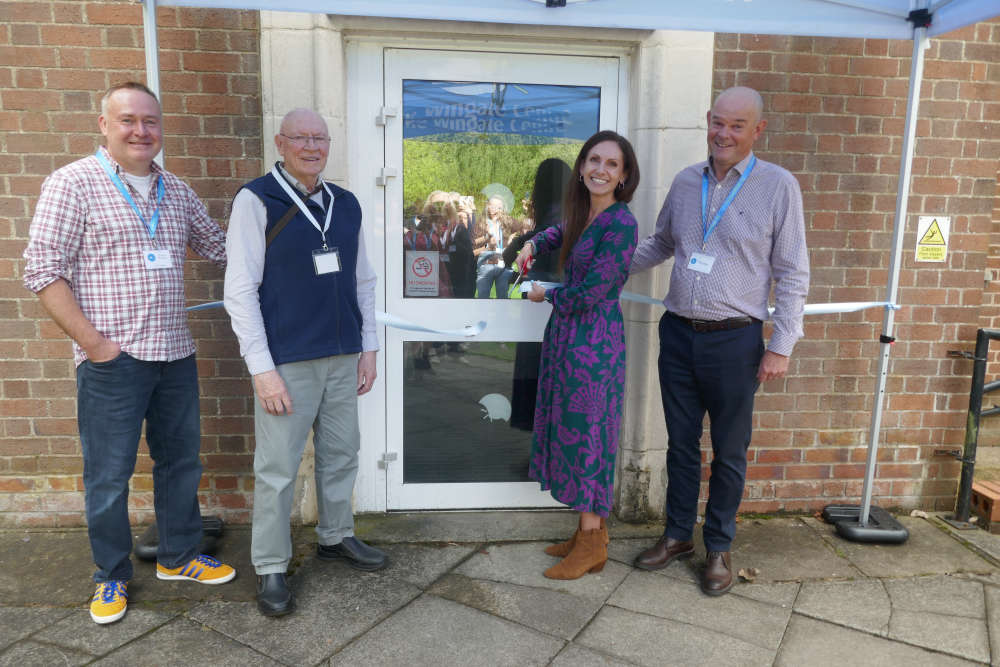 Supporters join Cheshire disability charity to celebrate grand opening of Wingate Holidays
 New Congleton CID team goes from strength to strength
 Children and families in Cheshire to benefit from new Child Focused Courts approach
 Appeal for information following serious collision in Crewe
 How is smoking impacting your health?
 Work to begin on phase 2 of Manchester Road Active Travel scheme
 Eleven Years of Christmas for the Community – Buxton’s Community Helping Community
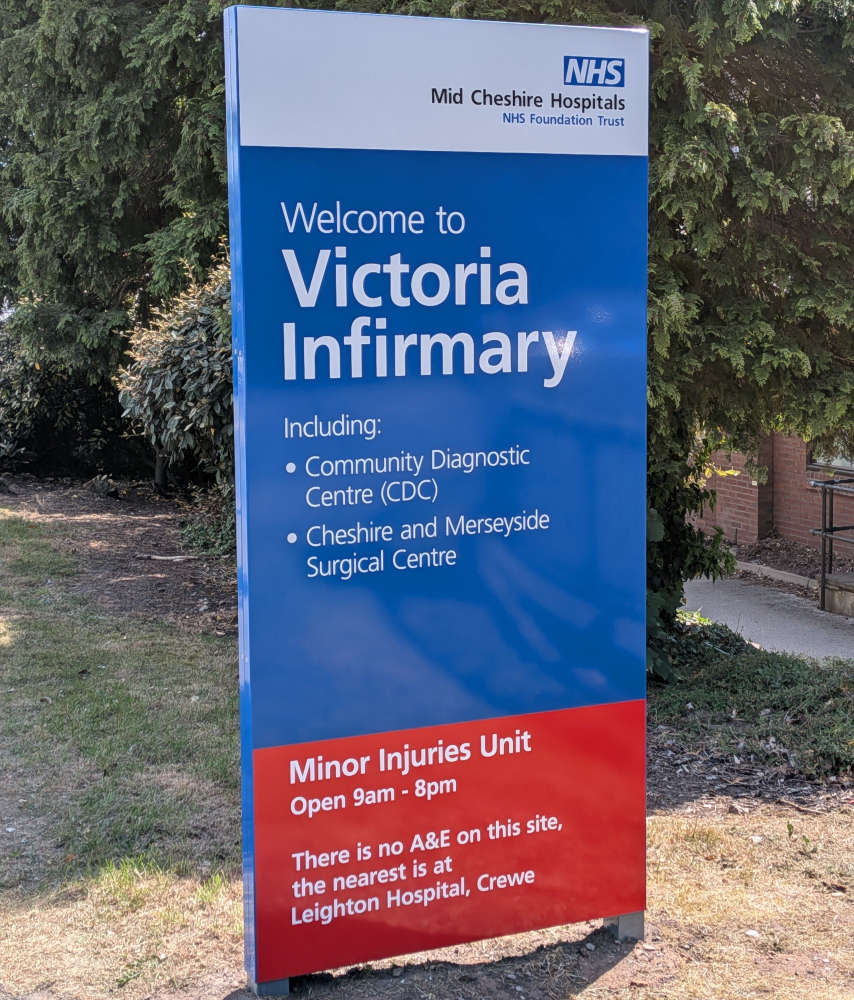 Victoria Infirmary Outpatients rated Good by the Care Quality Commission
 Two Years Without Sunday Trains - Congleton Campaigners Demand Action
 Residents invited to have their say on plans to clamp down on anti-social drivers
 Cheshire East Council highlights business success at award-winning Need Golf visit

Comments
Add a comment